
Shopify Quiz Result Page Best Practices
Introduction
A Shopify quiz result page is where customers receive personalized recommendations after completing a quiz.
This page plays an important role in:
- Product discovery
- Lead generation
- Customer engagement
- Shopify conversions
With QuizyPilot, you can fully customize your result page using content blocks, product results, images, buttons, and branding elements.
This guide explains the best practices for building effective Shopify quiz result pages using QuizyPilot.
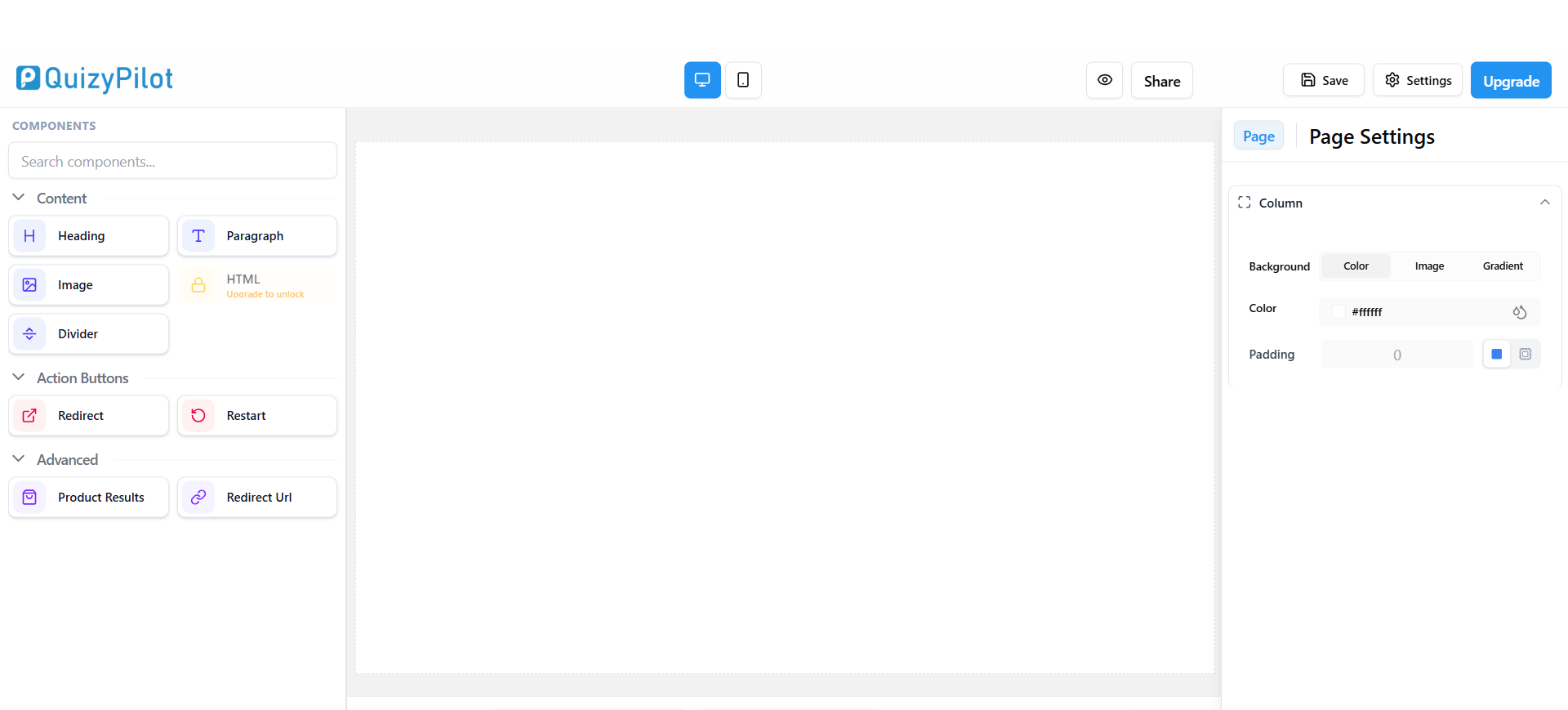
Understanding the QuizyPilot Result Page Builder
QuizyPilot provides a drag-and-drop result page editor that allows you to customize the final quiz experience.
You can add:
- Headings
- Paragraphs
- Images
- Product recommendations
- Redirect buttons
- Dividers
- Custom layouts
This helps create personalized Shopify quiz experiences for customers.
1. Start With a Clear Result Heading
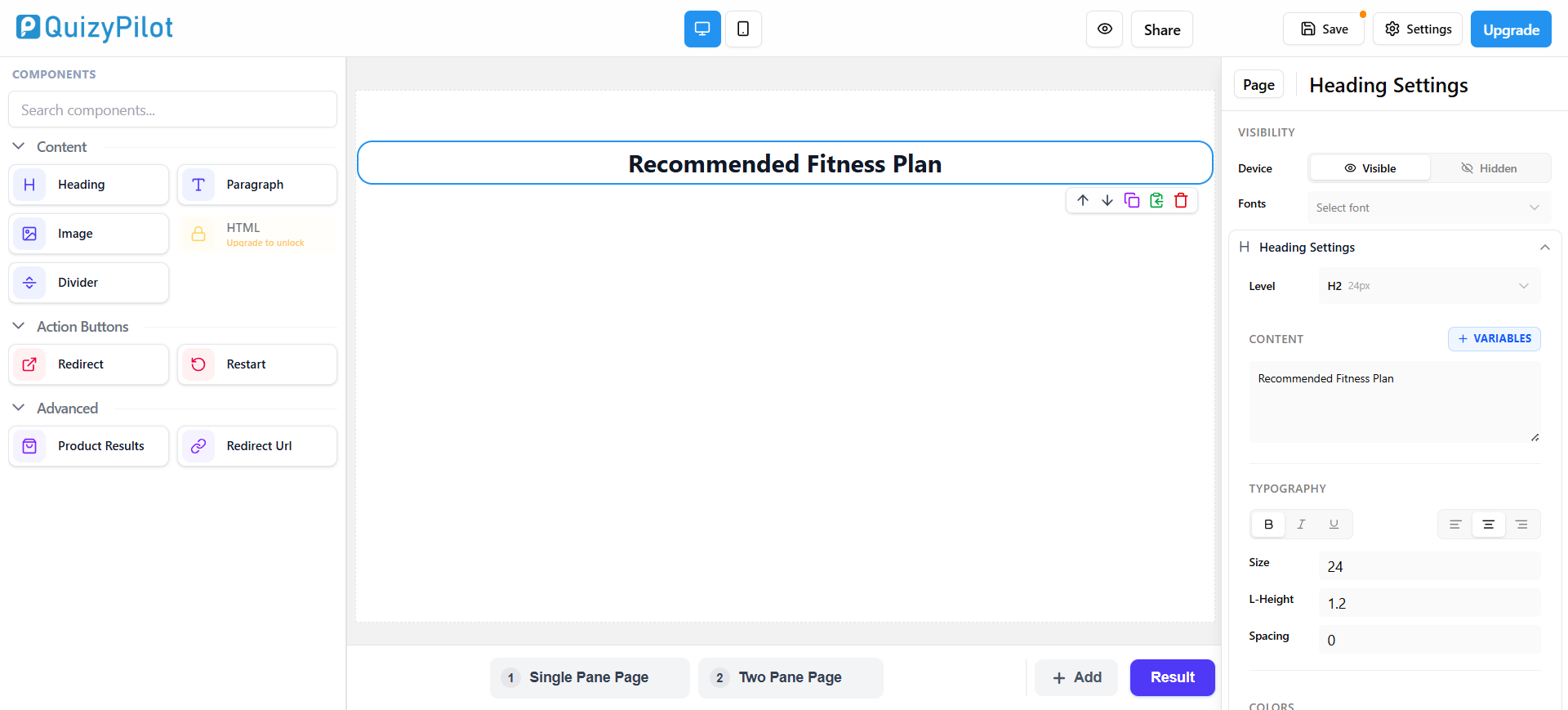
The heading is the first thing users see after completing the quiz.
It should clearly explain:
- The customer’s result
- Recommendation type
- Outcome summary
Examples:
Your Personalized Skincare RoutineBest Supplements for Your GoalsRecommended Fitness Plan
In QuizyPilot, you can use the Heading component to create the main result title.
Best Practice
Keep headings:
- Short
- Personalized
- Easy to scan
Avoid long paragraphs inside the heading section.
2. Add Supporting Description Text
After the result heading, explain:
- Why users received this result
- What it means
- How products can help them
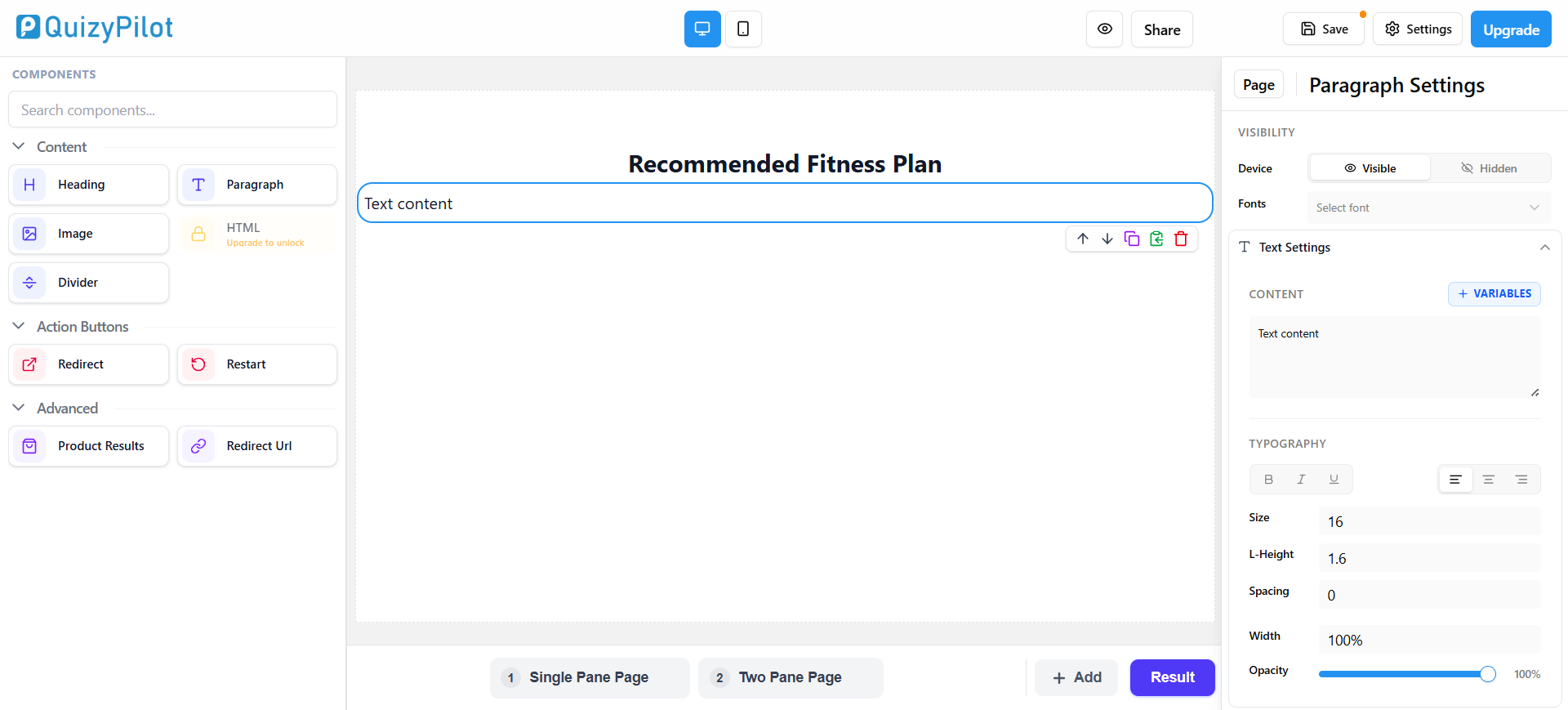
Use the Paragraph component in QuizyPilot to add supporting content.
Best Practice
Keep descriptions:
- Informative
- Short
- Personalized
Avoid very long text blocks.
3. Add Product Recommendations
Product recommendations are the most important part of Shopify quiz result pages.
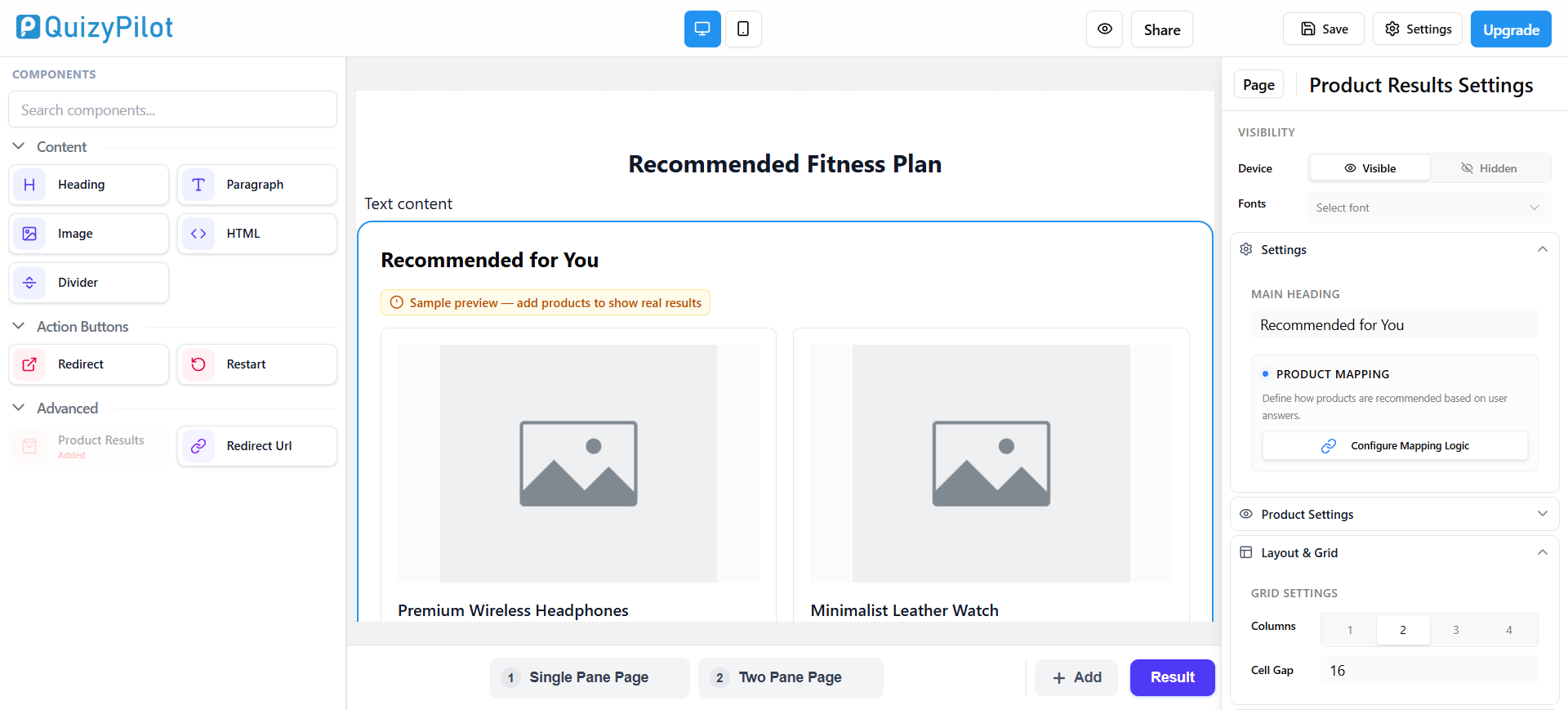
QuizyPilot includes a Product Results component that allows you to display personalized Shopify products based on quiz answers.
Best Practice
Display:
- Product image
- Product title
- Short details
- CTA button
Showing
3 to 5 productsusually works best.
Avoid overcrowding the result page.
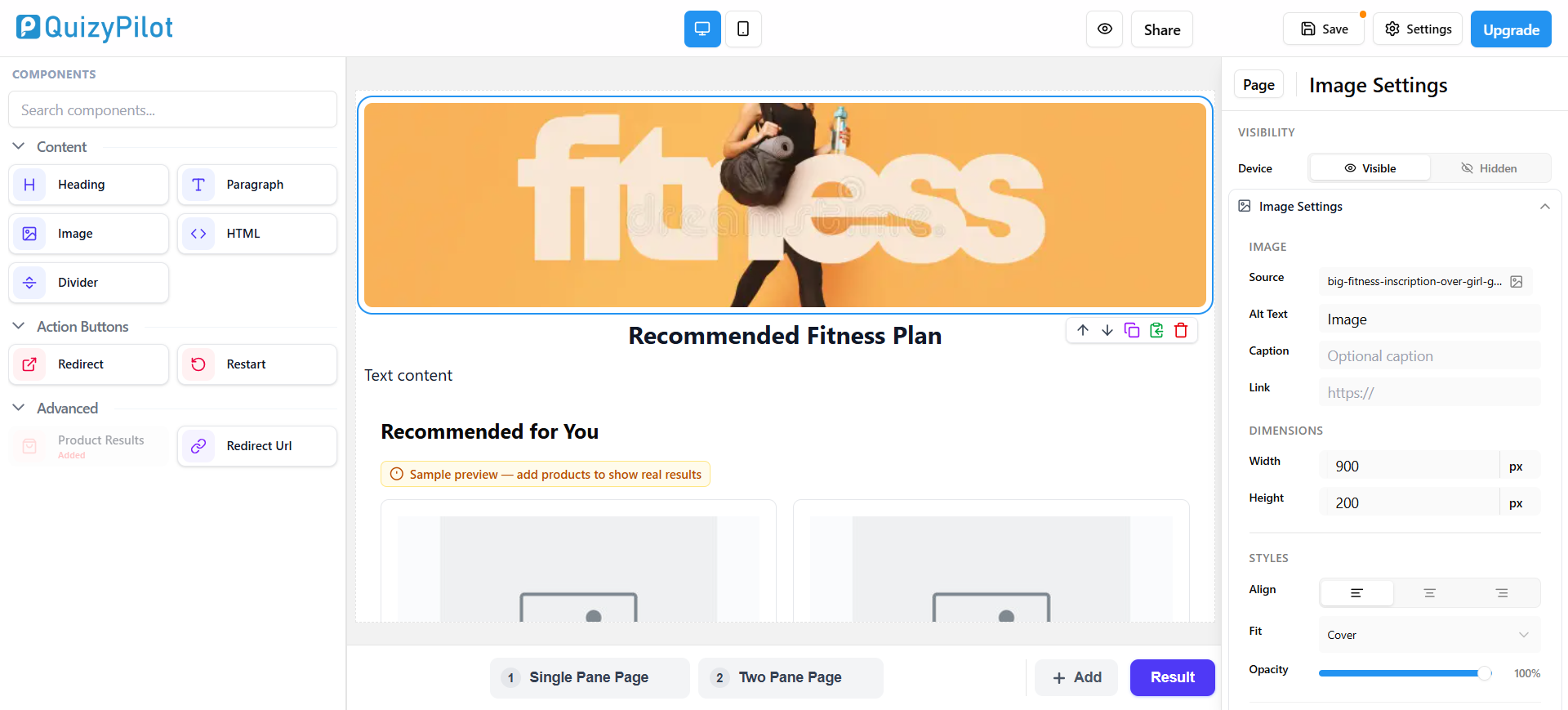
4. Use Images to Improve Engagement
Visual elements make result pages more engaging and professional.
QuizyPilot allows you to add images using the Image component.
You can use:
- Product banners
- Lifestyle images
- Brand visuals
- Promotional graphics
Best Practice
Use images that match:
- Your brand
- Your product category
- Your Shopify store design
Avoid oversized or low-quality images.
5. Add Strong Call-to-Action Buttons
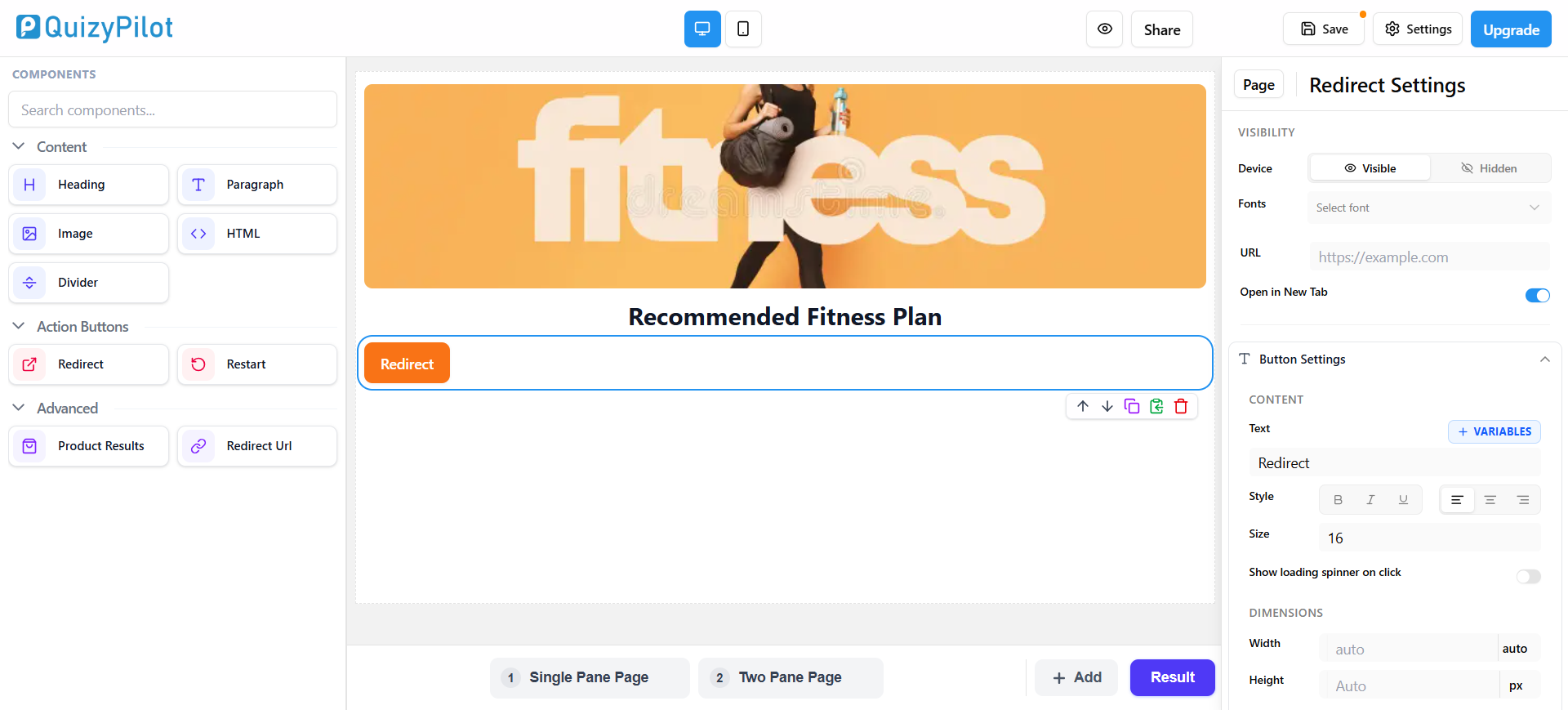
Your result page should guide users toward the next action.
QuizyPilot provides:
- Redirect buttons
- Redirect URL actions
These help move customers directly to Shopify product pages or collections.
Best CTA Examples
Shop NowView ProductsGet StartedBuy NowExplore Collection
Best Practice
CTA buttons should be:
- Visible
- Mobile friendly
- Action focused
6. Organize Sections With Dividers
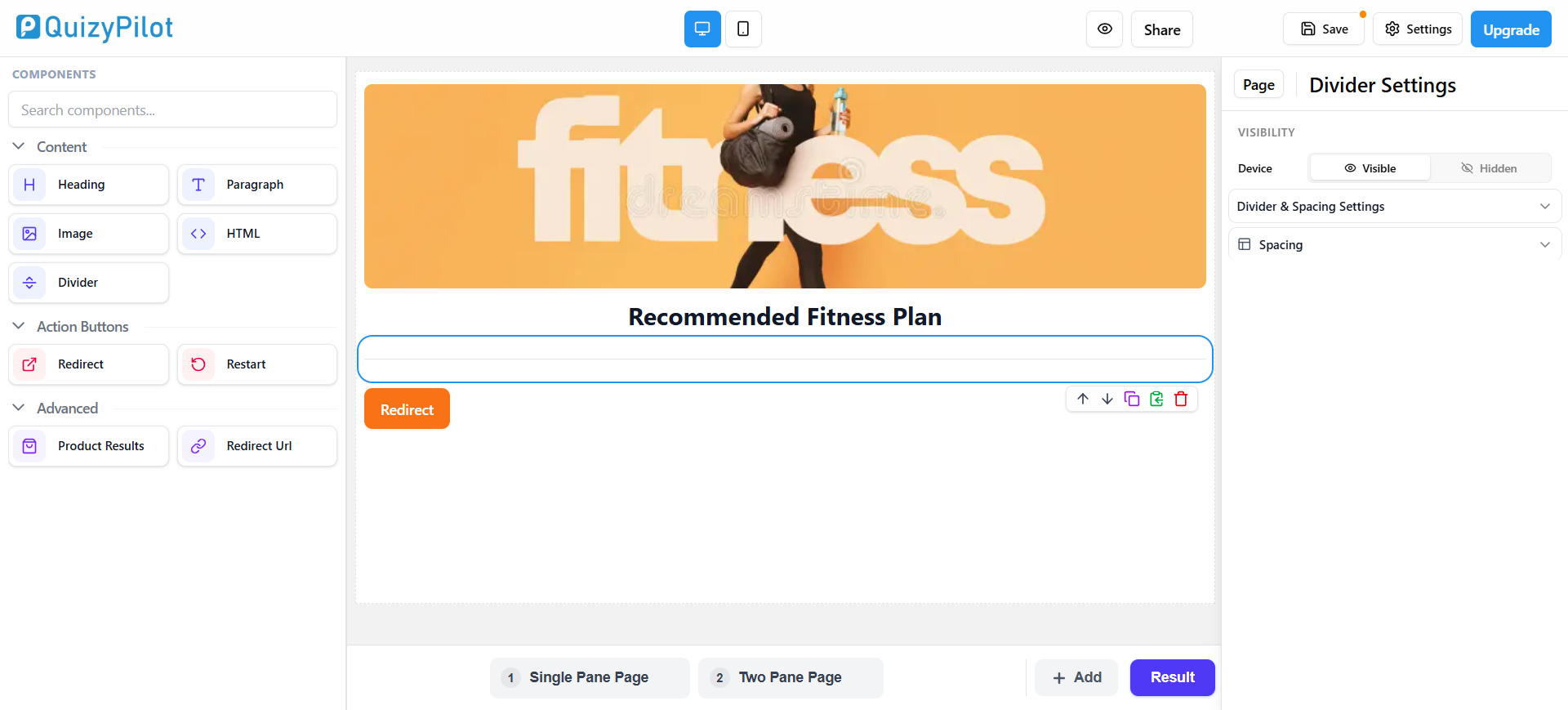
A cluttered result page can confuse users.
QuizyPilot includes a Divider component that helps separate sections cleanly.
You can use dividers between:
- Headings
- Descriptions
- Products
- CTA sections
Best Practice
Use spacing and dividers to improve readability.
Avoid placing all elements too close together.
7. Customize Result Page Design
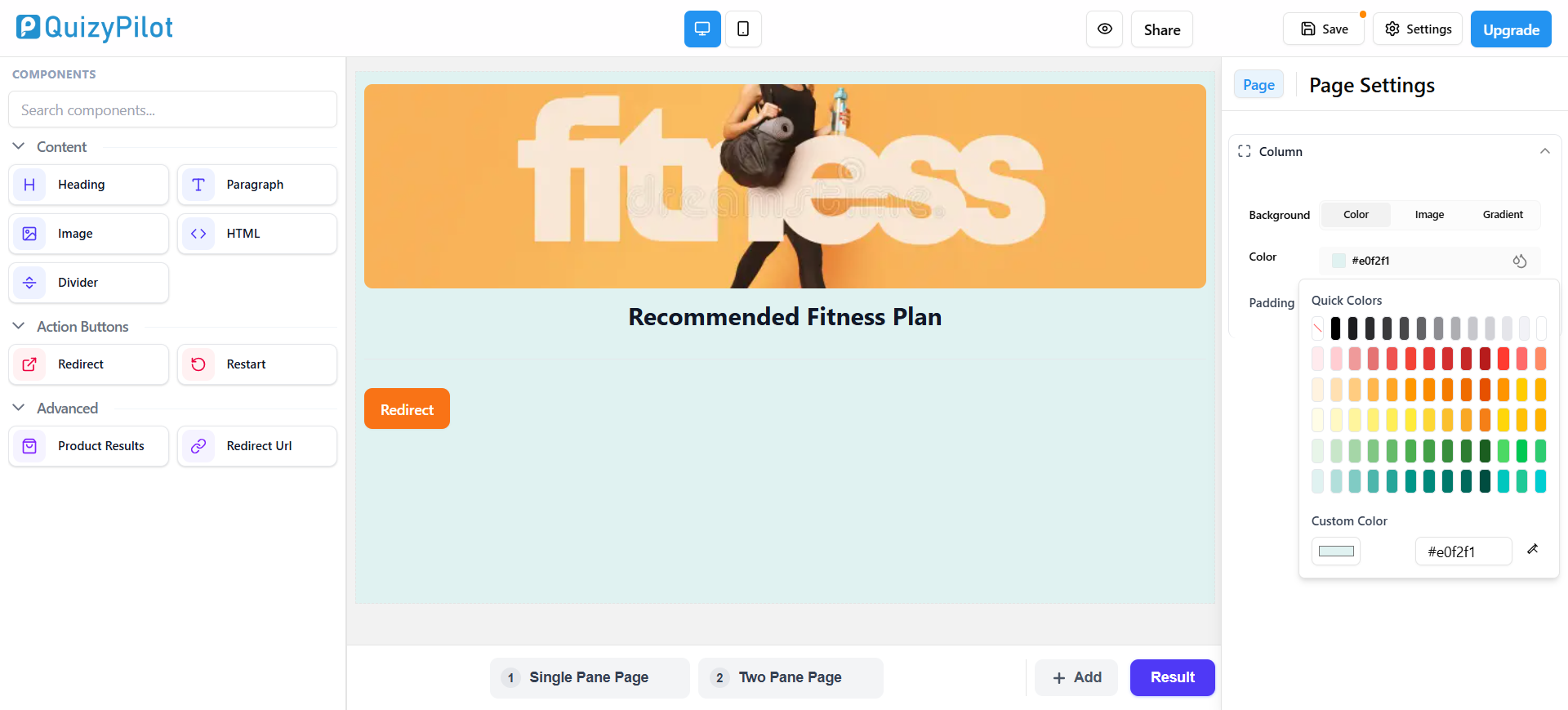
QuizyPilot allows you to customize:
- Colors
- Background
- Gradients
- Padding
- Layout spacing
These settings are available inside the Page Settings panel.
Best Practice
Match the result page with your Shopify store branding.
Use:
- Consistent fonts
- Brand colors
- Clean spacing
This creates a professional customer experience.
8. Optimize the Result Page for Mobile
Many Shopify customers browse from mobile devices.
QuizyPilot includes desktop and mobile preview options at the top of the editor.
Always test your result page on smaller screens before publishing.
Best Practice
Check:
- Button size
- Image scaling
- Text readability
- Spacing
- Product alignment
9. Keep the Layout Simple
A simple layout usually performs better than a complicated design.
Focus on:
- Personalized results
- Product recommendations
- Clear CTA buttons
- Readable content
Avoid:
- Too many sections
- Excessive text
- Large image blocks
- Distracting layouts
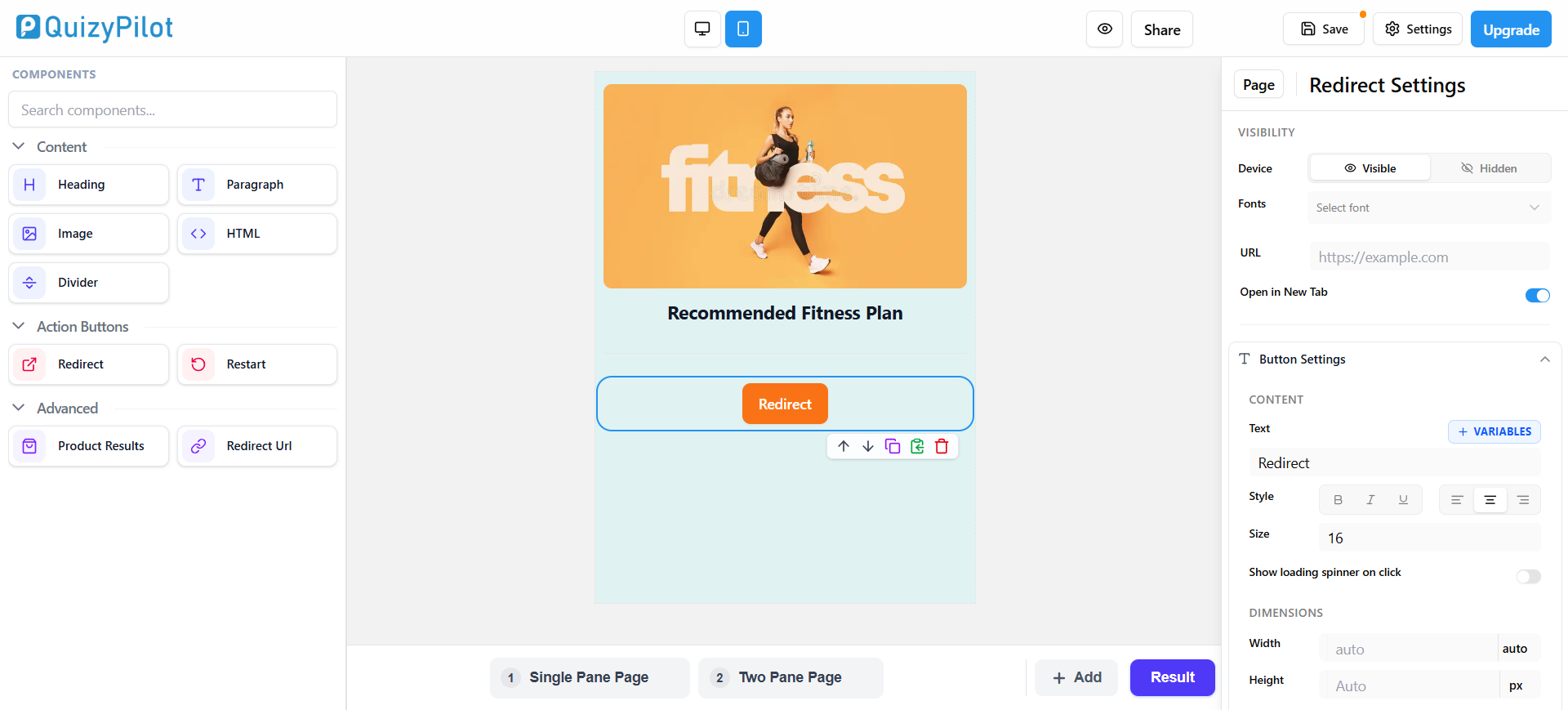
Final Clean Result Page Example
Heading + products + CTA visible together
Common Mistakes to Avoid
Avoid these common Shopify quiz result page mistakes:
- Weak CTA buttons
- Too many products
- Poor mobile spacing
- Long text paragraphs
- Inconsistent branding
- Cluttered layouts
A focused result page improves conversions and user experience.
Final Thoughts
A well-designed Shopify quiz result page can improve:
- Customer engagement
- Product discovery
- Shopify conversions
- Lead generation
QuizyPilot provides flexible components that help you create personalized and professional result pages without coding.
By using:
- Headings
- Descriptions
- Product recommendations
- Images
- CTA buttons
- Branding customization
you can create quiz result pages that guide customers toward purchase decisions more effectively.