
Build & customize every quiz screen 100% no-code
Design high-converting ecommerce product quizzes with total creative control. Drag choice blocks, image options, text fields, and forms into place — then customize every font, color, spacing, action trigger, and device visibility setting live.
No credit card required · Free forever plan
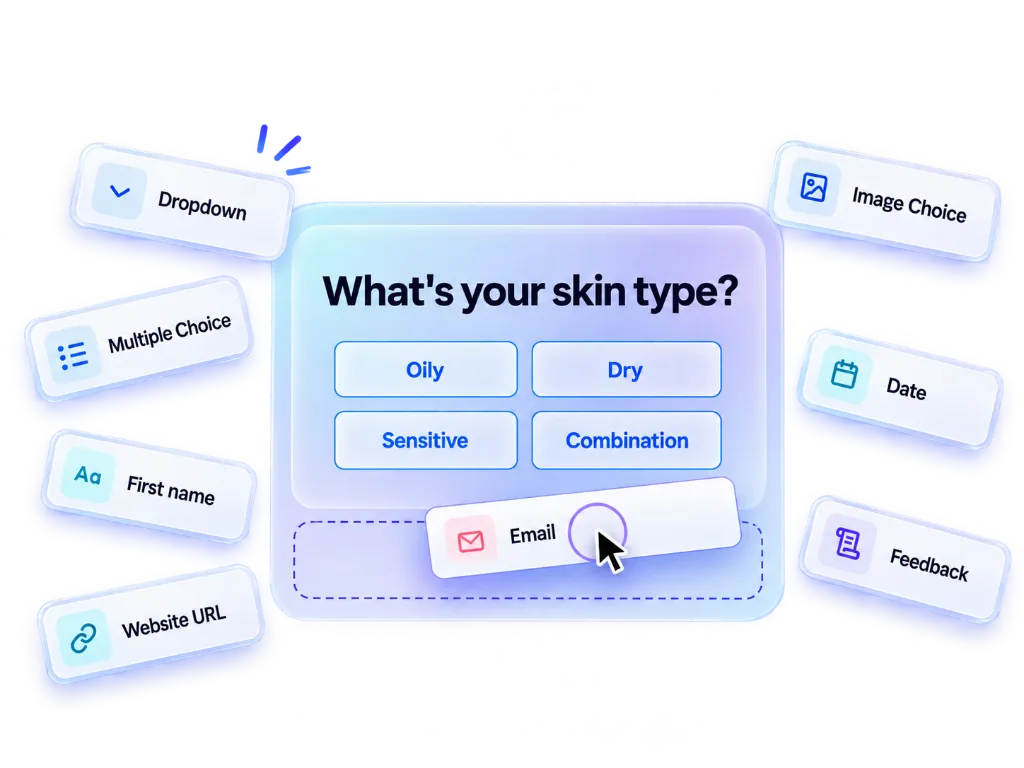
Every block you need to build & convert
Drag choice blocks, contact forms, typography headings, image galleries, and action buttons directly into your canvas.
Dropdown
ChoicesCompact single select dropdown menu block
Image Choice
ChoicesVisual choice grid with custom image upload
Multiple Choice
ChoicesMulti-select option buttons for shoppers
Multiple Image
ChoicesMulti-select visual image grid choices
Single Choice
ChoicesRadio button style single option selection
Tab
ChoicesInteractive tab button option toggle
Yes/No
ChoicesBinary toggle decision block
Customize every detail pixel for pixel
Take complete control over styling, typography, dynamic variables, spacing, and device visibility rules in the right-side inspector panel.
Pixel-Perfect Typography & Fonts
Select Google & custom font families, adjust font size (e.g. 20px), line-height (1.6), letter spacing, text alignment, and font weight (Bold, Italic, Underline).
Colors & Style Inspector
Customize background fill, fallback colors, HSL gradients, border radius, card shadows, and opacity sliders (0% to 100%) for every block.
Device-Specific Visibility
Control block visibility per device — show or hide specific elements on Mobile vs. Desktop to guarantee optimal mobile shopping experiences.
Dynamic Variable Injection (+ VARIABLES)
Inject dynamic user variables (e.g., shopper name or calculated skin score) directly into question titles, subheaders, and result paragraphs.
Action Triggers & Jump Logic
Configure custom onClick action triggers — jump to specific question pages, trigger cart add-to-cart, or redirect to custom URL landing pages.
Layout Spacing & Column Width
Adjust column width percentages (e.g. 47.74%), padding, margins, alignment grids, and background blur effects with live visual feedback.
Why ecommerce brands choose QuizyPilot
Built specifically for storefront conversions, revenue tracking, and seamless merchant workflows.
Visual WYSIWYG Builder
Build pages block-by-block. Live on-canvas editing ensures your design looks identical to live store shoppers.
No Theme Code Modifications
Install as a native Shopify theme app block or Wix widget. Never break theme updates or main site CSS.
Live Safe Publishing
Make live edits safely anytime. Changes push instantly to your store without cache delay or re-embedding.
Device Visibility Controls
Show or hide specific blocks for mobile vs desktop shoppers to maximize conversion rates on any screen.
Zero-Party Data Mapping
Map every single quiz answer to custom contact profile properties in Klaviyo, Mailchimp, and your CRM.
Pre-Built Niche Templates
Launch fast using high-converting product finder templates for beauty, apparel, fitness, and gifting.
Structure your quiz in 4 seamless pages
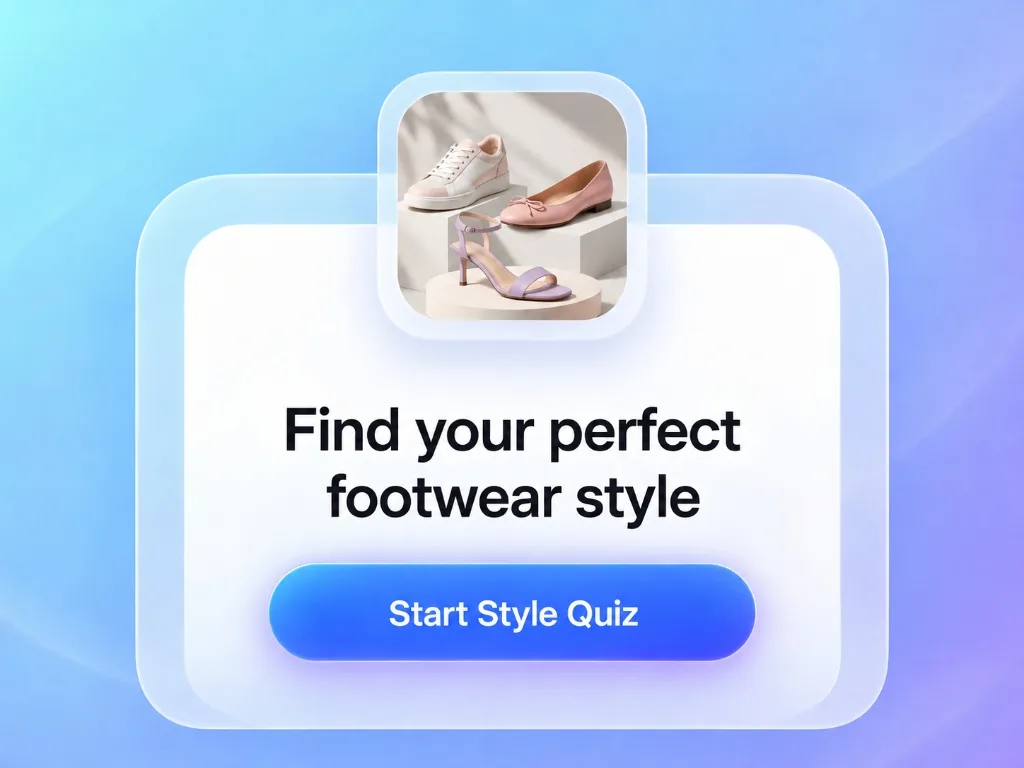
Get Started
Hook shoppers with a welcoming hero screen, split image layouts, brand titles, and high-converting start buttons.
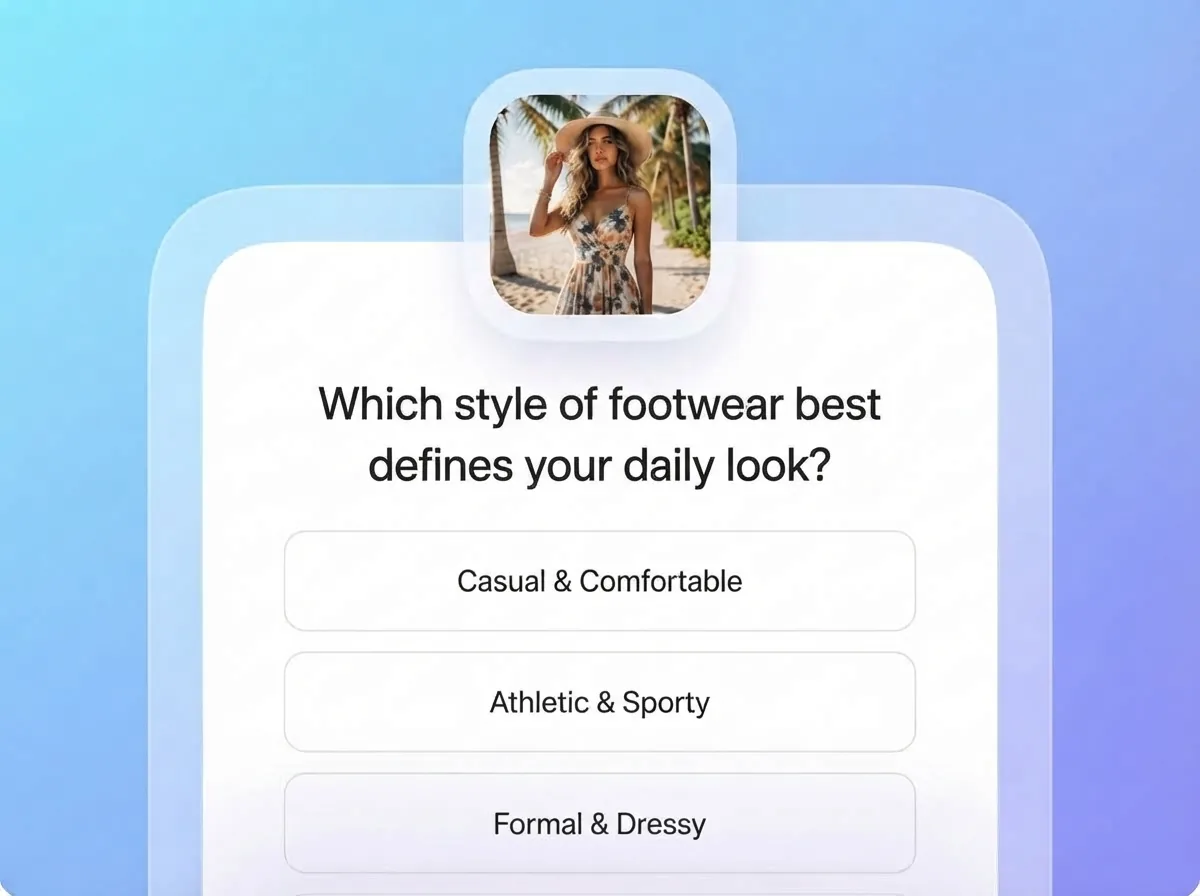
Ask
Meet shoppers with the right question at the right moment, in whatever format fits: quiz, form, or recommendation funnel.
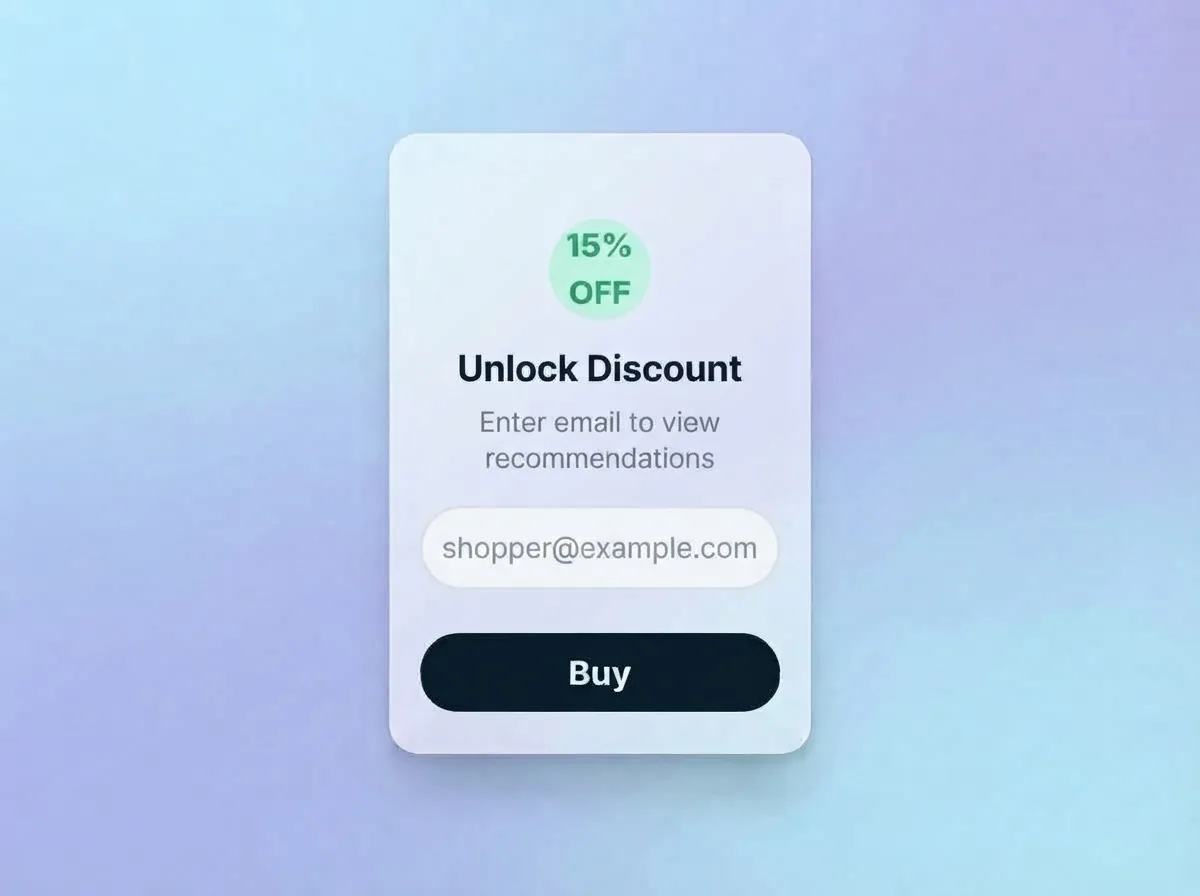
Collect Leads
Gather zero-party customer data, emails, and preferences automatically synced to your email marketing stack.
Recommend
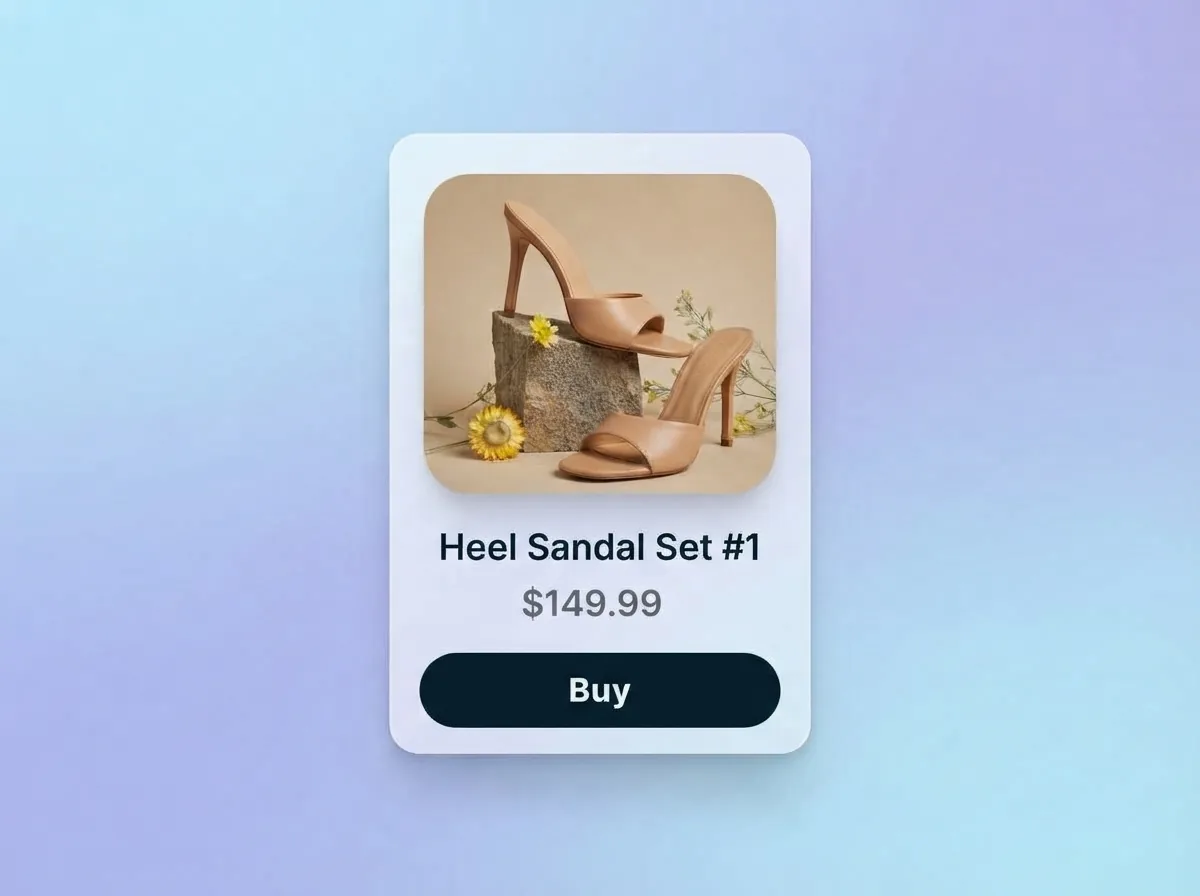
Deliver instant, accurate product recommendations tailored directly to customer preferences and style choices.
Quiz Builder Questions
Straight answers. If yours isn't here, a real person on our team is happy to help.
No. The QuizyPilot Quiz Builder is 100% visual and drag-and-drop. What you see in the editor canvas is exactly what your shoppers see live on your store.
Ready to build your interactive quiz funnel?
Start building in under 5 minutes. Free forever plan included — no credit card required.