
Shopify Quiz Page Layouts in QuizyPilot
Introduction
Choosing the right quiz page layout is important for creating better Shopify quiz experiences.
QuizyPilot allows you to build quizzes using:
- Single Pane Pages
- Two Pane Pages
Both layouts help organize quiz content differently depending on your goals, branding, and user experience.
In this guide, you’ll learn:
- The difference between single pane and two pane layouts
- When to use each layout
- How they affect Shopify quiz design
- Best practices for better engagement and conversions
What Is a Single Pane Page?
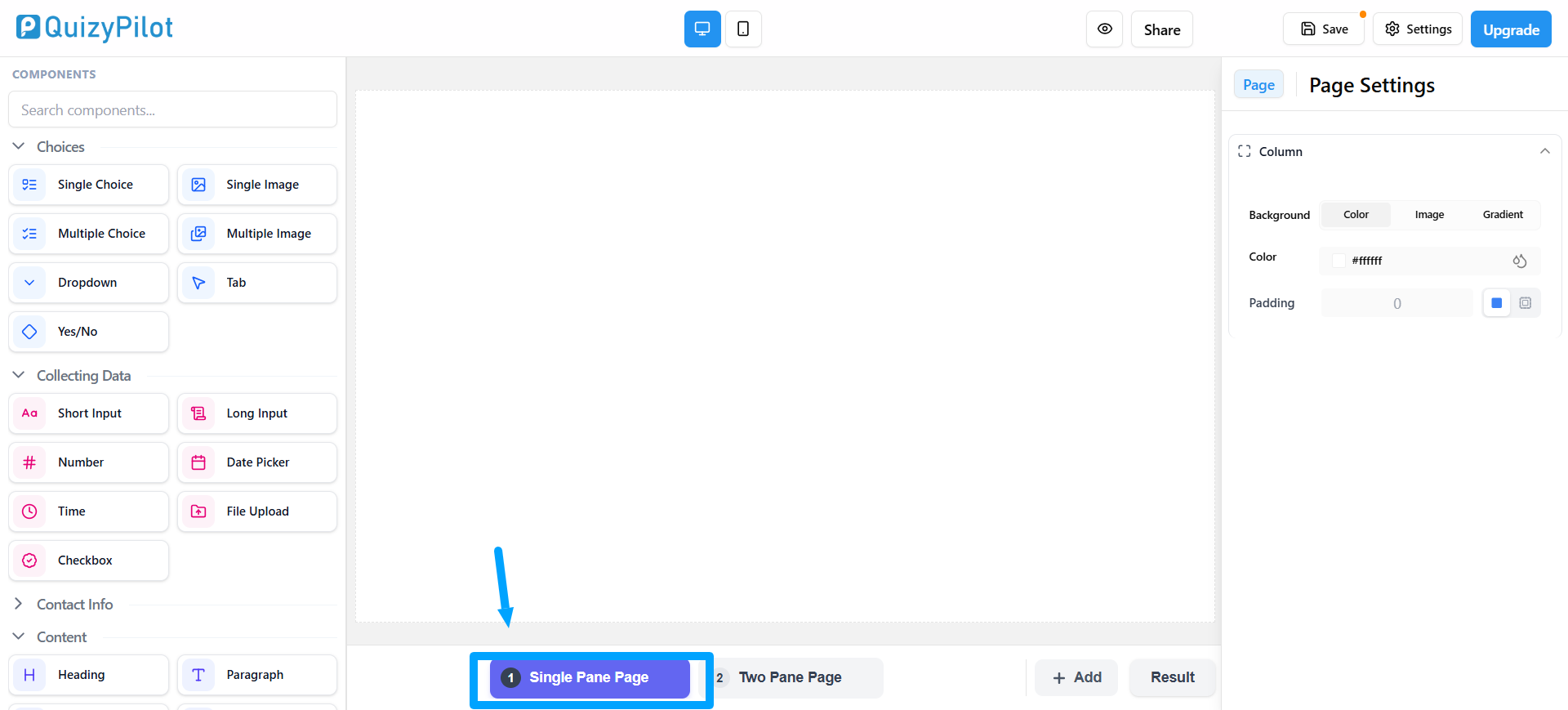
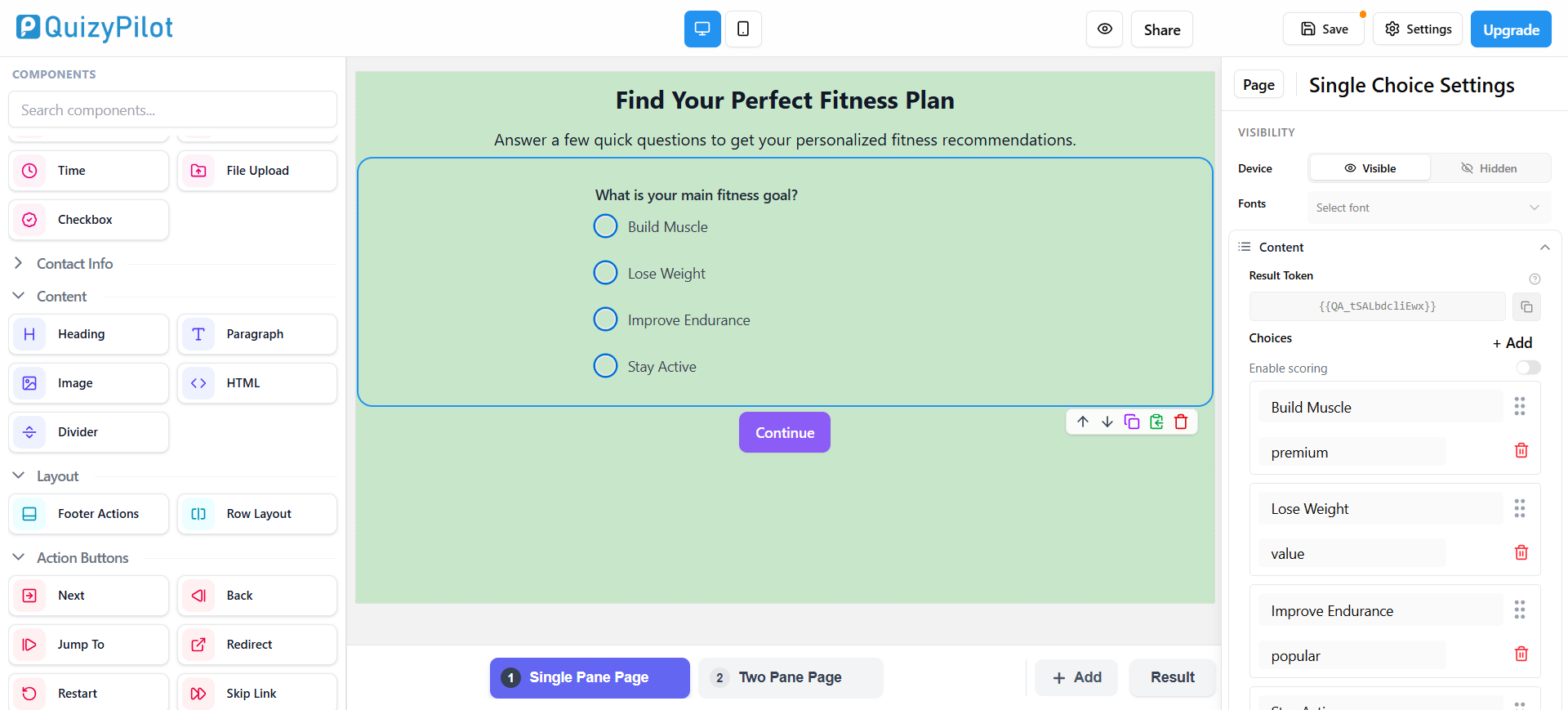
A Single Pane Page displays all quiz content inside one main section.
This layout keeps the design simple and focused.
It works well for:
- Product recommendation quizzes
- Lead generation forms
- Mobile-friendly Shopify quizzes
- Minimal quiz designs
Single pane layouts reduce distractions and keep users focused on quiz questions.
Benefits of Single Pane Layouts
Single pane layouts are popular because they:
- Look clean and modern
- Improve mobile experience
- Reduce visual clutter
- Keep attention on quiz questions
Best Use Cases
Use single pane layouts for:
- Short quizzes
- Mobile-first quizzes
- Email capture forms
- Simple product finder quizzes
What Is a Two Pane Page?
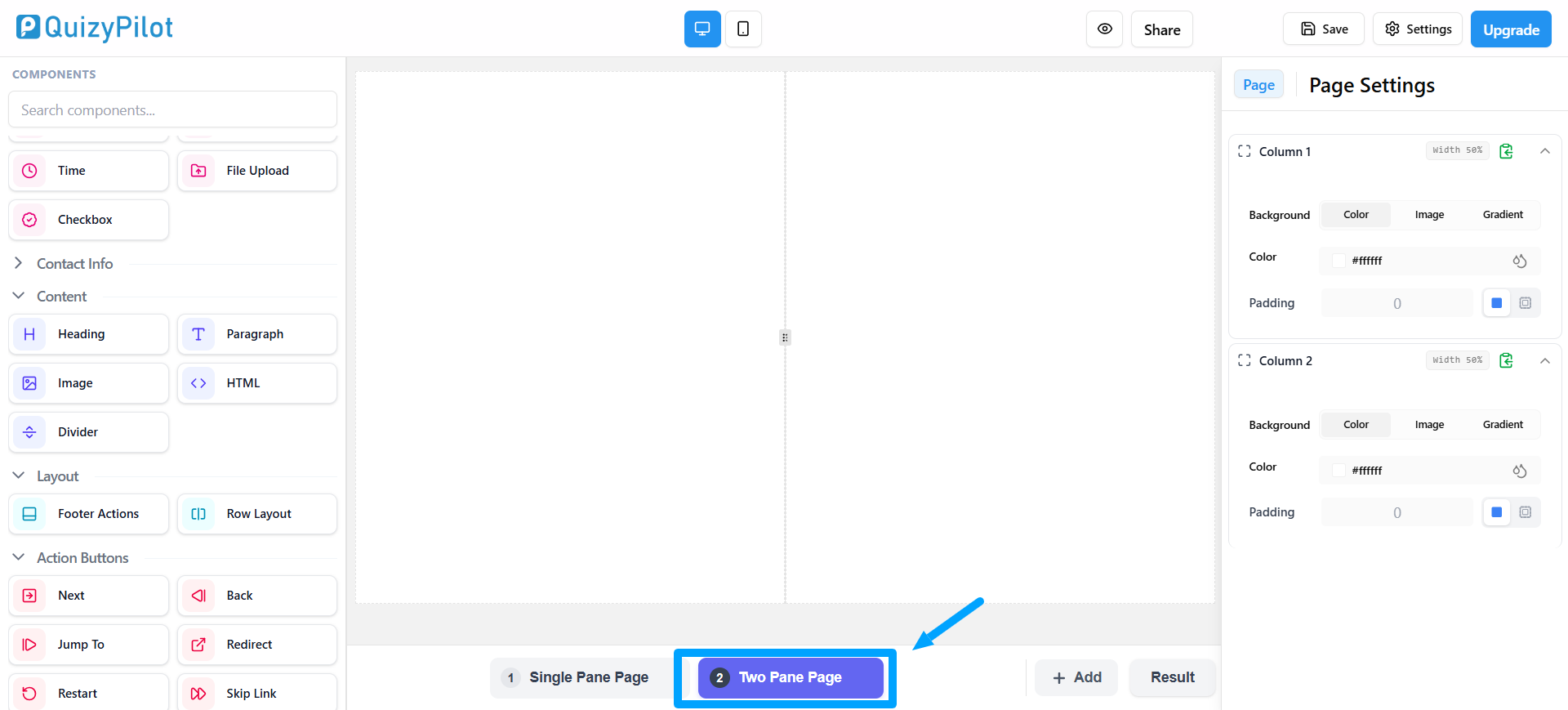
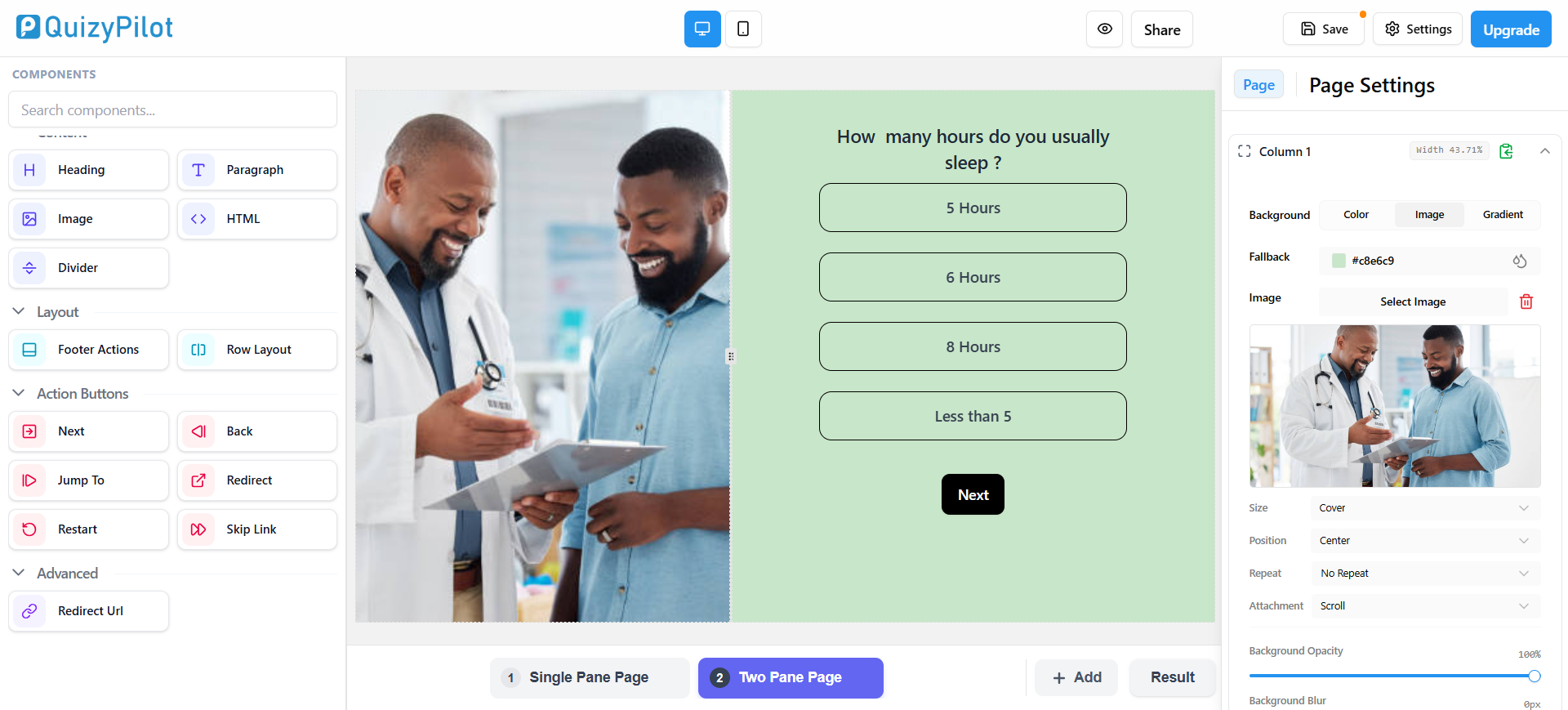
A Two Pane Page splits the screen into two sections.
Typically:
- One side contains quiz content
- The other side contains images, branding, or additional information
This layout creates a more visual and professional Shopify quiz experience.
Two pane layouts are commonly used in:
- Branded Shopify quizzes
- Skincare quizzes
- Fashion recommendation quizzes
- Fitness assessments
Benefits of Two Pane Layouts
Two pane layouts improve visual engagement.
You can use the second pane for:
- Product images
- Promotional banners
- Brand messaging
- Lifestyle visuals
- Quiz instructions
This creates a more immersive customer experience.
Best Use Cases
Two pane layouts work best for:
- Visual brands
- Long-form quizzes
- Storytelling quizzes
- High-converting Shopify funnels
Single Pane vs Two Pane Layouts
Both layouts are useful, but they serve different purposes.
| Feature | Single Pane | Two Pane | |---|---|---| | Mobile Experience | Excellent | Good | | Simplicity | High | Medium | | Visual Branding | Limited | Strong | | Best for Short Quizzes | Yes | Sometimes | | Best for Visual Funnels | No | Yes | | Setup Complexity | Easy | Medium |
How to Switch Between Layouts
QuizyPilot makes it easy to switch between page layouts.
At the bottom of the editor, you can select:
Single Pane PageTwo Pane Page
The layout updates instantly inside the preview canvas.
Best Practices for Shopify Quiz Layouts
Use Single Pane Layouts When:
- You want faster quiz completion
- Your quiz is short
- Mobile optimization is the priority
- The design should stay minimal
Use Two Pane Layouts When:
- Branding matters heavily
- You want stronger visuals
- Your quiz includes storytelling
- You want more premium quiz design
Mobile Optimization Tips
Most Shopify quiz traffic comes from mobile users.
Before publishing your quiz:
- Test spacing
- Check image scaling
- Review button sizes
- Optimize readability
QuizyPilot provides desktop and mobile preview modes to help test layouts easily.
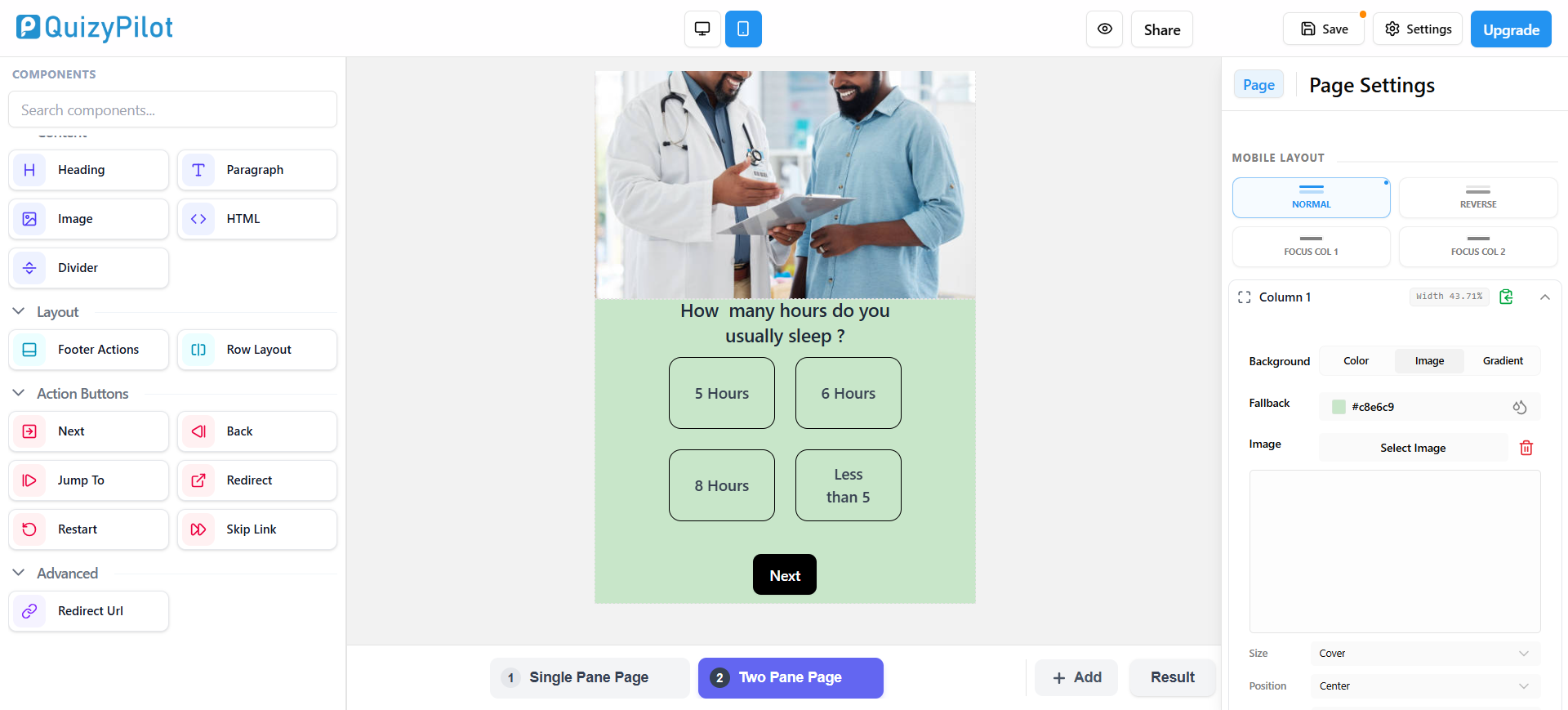
Example Mobile Preview
Mobile preview mode enabled
Quiz layout shown on smaller screen
Common Mistakes to Avoid
Avoid these layout mistakes:
- Adding too much text
- Overcrowding two pane sections
- Using oversized images
- Poor mobile spacing
- Inconsistent branding
A clean layout usually performs better for Shopify quiz conversions.
Final Thoughts
Choosing the right Shopify quiz layout can improve:
- Customer engagement
- Quiz completion rates
- Product discovery
- Conversions
Single pane layouts work best for simple and mobile-friendly quizzes.
Two pane layouts work best for branded and visual quiz experiences.
With QuizyPilot, you can easily switch between both layouts and customize your Shopify quizzes without coding.